

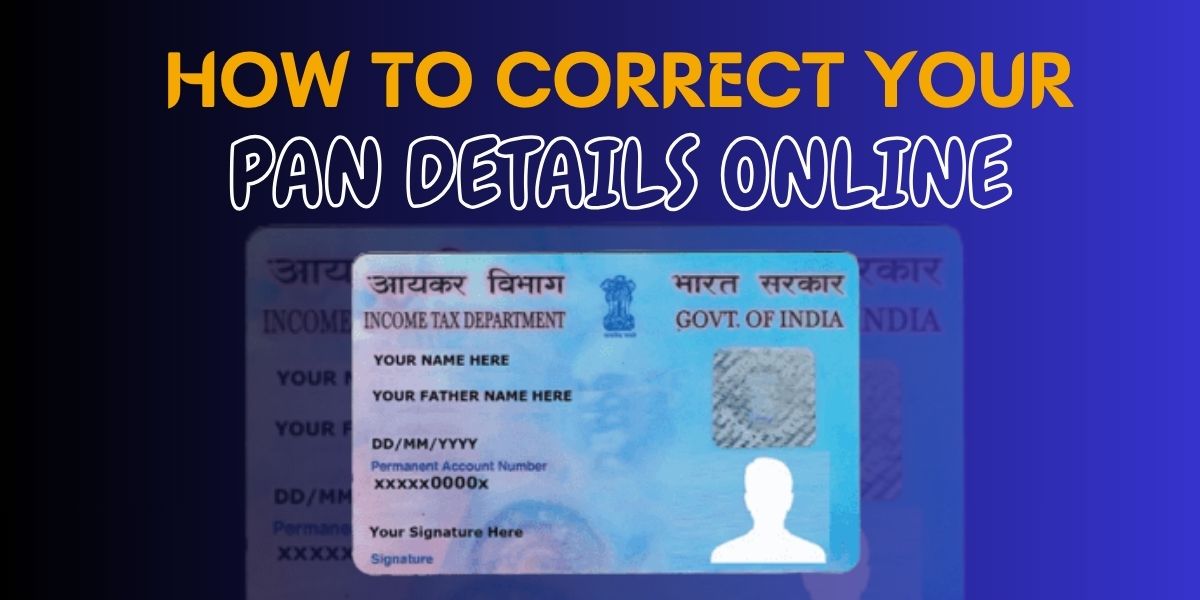
A PAN card is one of the most important identity documents in India. Any mistake in your PAN card details—such as name, date of birth, address, or photograph—can cause issues while filing income tax returns, opening bank accounts, or applying for loans.
Thankfully, the PAN card correction process is fully online, making it quick and convenient. This guide explains how to correct your PAN details online step by step.
Common Reasons for PAN Card Correction
You may need to apply for PAN correction if there is:
-
Spelling mistake in name
-
Incorrect date of birth
-
Wrong father’s name
-
Address change or error
-
Blurred photo or signature
-
Aadhaar-PAN mismatch
Documents Required for PAN Card Correction
Before starting the online correction process, keep the following documents ready:
Proof of Identity (Any one)
-
Aadhaar Card
-
Passport
-
Voter ID
-
Driving License
Proof of Address (Any one)
-
Aadhaar Card
-
Utility bill (electricity, water, gas)
-
Bank statement
-
Passport
Proof of Date of Birth
-
Aadhaar Card
-
Birth Certificate
-
Passport
-
10th Mark Sheet
Step-by-Step Process to Correct PAN Details Online
Step 1: Visit the PAN Correction Portal
Go to the official PAN correction website and select “Changes or Correction in Existing PAN Data.”
Step 2: Fill the PAN Correction Form
Enter your PAN number and select the details you want to correct such as name, DOB, address, photo, or signature.
Step 3: Submit Personal & Contact Details
Provide your mobile number and email ID to receive OTP and updates.
Step 4: Upload Required Documents
Upload scanned copies of identity, address, and date of birth proof.
Step 5: Make Online Payment
Pay the applicable PAN correction fee using debit card, credit card, or net banking.
Step 6: Submit & Track Application
After submission, you will receive an acknowledgment number to track PAN correction status online.
PAN Card Correction Fees
-
Within India: Nominal fee
-
Outside India: Slightly higher fee
(Fees may vary depending on physical PAN card delivery)
How Long Does PAN Correction Take?
-
e-PAN: 2–5 working days
-
Physical PAN Card: 7–15 working days
Important Tips for PAN Card Correction
-
Ensure your name matches exactly with Aadhaar
-
Upload clear and readable documents
-
Double-check spelling and details before submission
-
Link Aadhaar with PAN to avoid rejection
Frequently Asked Questions (FAQ)
Can I correct my PAN card details online?
Yes, PAN card details like name, date of birth, address, photo, and signature can be corrected completely online through the official PAN correction process.
How many times can PAN details be corrected?
There is no fixed limit. You can apply for PAN correction whenever required, provided valid documents are submitted.
Is Aadhaar mandatory for PAN correction?
Aadhaar is recommended and often required, especially for name and date of birth correction, to avoid rejection.
How can I track my PAN correction status?
After submission, you will receive an acknowledgment number that can be used to track PAN correction status online.
How long does it take to receive the corrected PAN card?
-
e-PAN: 2–5 working days
-
Physical PAN Card: 7–15 working days
Will my PAN number change after correction?
No. Your PAN number remains the same; only the requested details are updated.
Conclusion
Correcting your PAN card details online is a simple and hassle-free process. By following the steps above and submitting the correct documents, you can update your PAN details quickly without visiting any office. Keeping your PAN information accurate ensures smooth financial and tax-related transactions.
Disclaimer: We are a private service provider offering application assistance only. We are not affiliated with any government authority.
